
Name-Based Case Searches
The county-linked White TnCIS case search puts its main weight on one box. That box is labeled Party Name. The field will also take a case reference, though the help text warns against typing a person name and a reference into it at the same time. Type the full first and last name rather than a nickname or initial. Lowercase letters and nonspacing marks get normalized, so those details will not trip you up. Quotation marks lock in word order. Commas, hyphens, and colons merely act as soft separators. Begin with Match all search terms turned on. Drop the final term only if a valid full name comes back with too few hits.
- Open the White County form and select Circuit Court or General Sessions.
- Choose Criminal or Civil to complete the required court-office combination.
- Enter the full party name, keep Match All selected, and enable search.
- Choose Find Now, then use the literal Filter to narrow displayed rows.
- Compare the likely result with the number, court, type, and known year.
| Field | Type | Required | Use |
|---|---|---|---|
| Party Name | Text | Alternative | Name or reference, not both |
| Match all terms | Checkbox | No | Best first search |
| Court Type | Checkboxes | Yes | Circuit or General Sessions |
| Case Type | Checkboxes | Yes | Criminal or Civil |
| Year / Number | Text | Alternative | Can replace name |
White County Search Controls
This form goes deeper than one broad name box. White County results hinge on court type plus case type. Together they build the required Court Office selection. That structure keeps a civil Circuit query from bleeding into a criminal General Sessions one. It also cuts the other way. A perfectly spelled name can return nothing if the wrong boxes are checked. Chancery, probate, juvenile, and Sparta City Court do not appear among the form's choices. Those records must come from the clerk or court that holds them.
The portal reads only the first ten words of a Party Name or Case Reference query. Broad searches stop at 2,500 rows. Filter works after the search, matching literal text in the visible columns, while the search box itself tolerates typos in longer terms. These caps are why year, number, and office choices matter. A missing result might reflect scope, an entry delay, or a protected record. It does not prove the case never existed.
One more caution belongs here. The official TnCIS terms describe the data as informational and not an official record.
Review the source notice shown with White County TnCIS.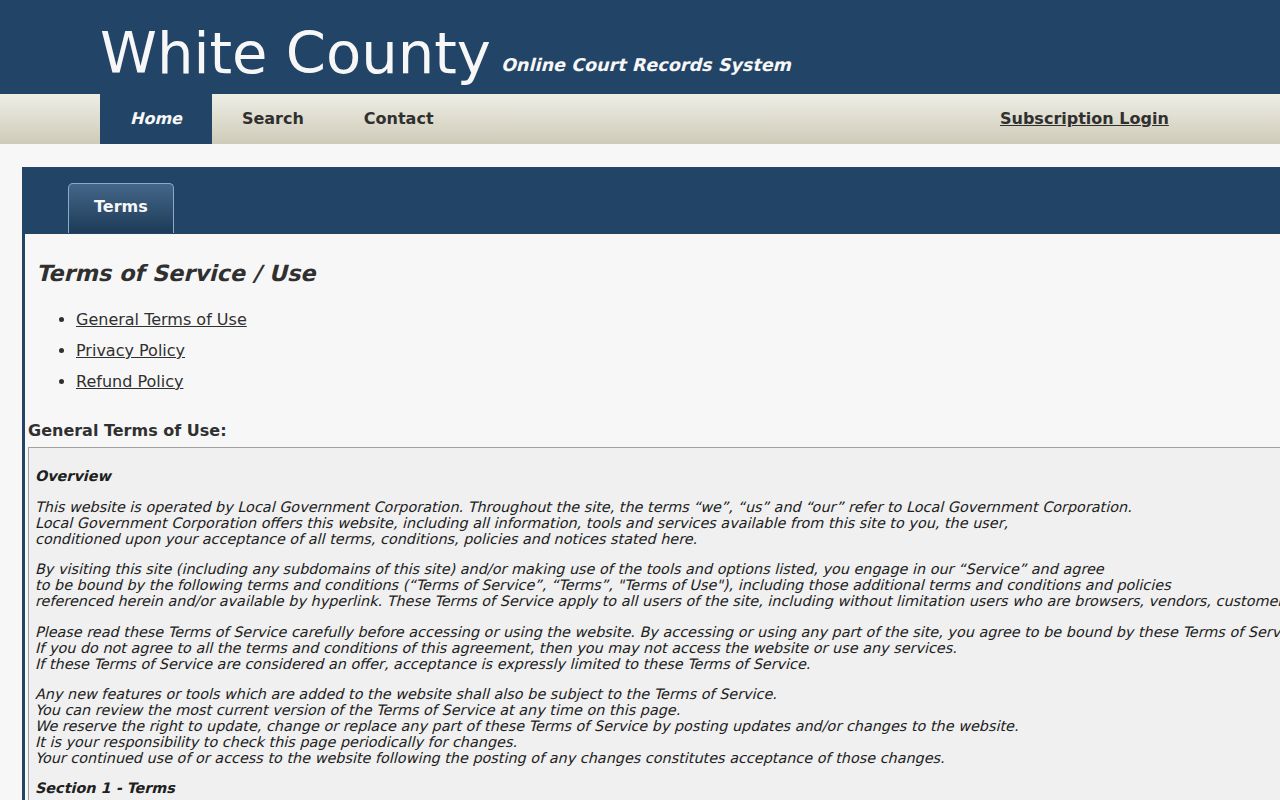
The capture explains why the clerk remains the source for an official result.
Case Number Searches
Portal help offers a formatted White County sample: 99GS1-2023-CR-12345. In the Case Number field, type only the digits after the final hyphen, here 12345. The year goes in its own box. Select the court and case types separately. If your identifier breaks that pattern, put the whole reference into Party Name or Case Reference instead. Older docket references can carry GS, TR, CR, or other linked segments. Copy the punctuation from the notice exactly.
A number is usually the cleanest route into a docket because it sidesteps common-name matches. Context still matters. Without a year and office, that sequence is not unique. Search both Circuit and General Sessions only when the source paper names no court. A traffic citation can pass through a city or county intake step before any case entry appears. Its number is not automatically a TnCIS case number.
White County Result Filtering
Every header on the results screen sorts. The first click orders rows upward; a second click reverses them. Filter scans only the text already on screen. It works well for a known year, court label, or number fragment, but it cannot revive a row the original query excluded. Set your scope with the search controls first. Then use Filter to inspect what came back.
A common name can push toward the row cap. Resist the urge to guess which row is the right one. Add the year, choose the court, or switch to the number entirely. The help permits relaxing a Match All query one term at a time, and that method beats loose spelling tricks. One privacy habit is worth keeping: avoid pasting party names into public notes or screenshots without a case-related reason.
The statewide TnCIS form shows the live multi-office controls.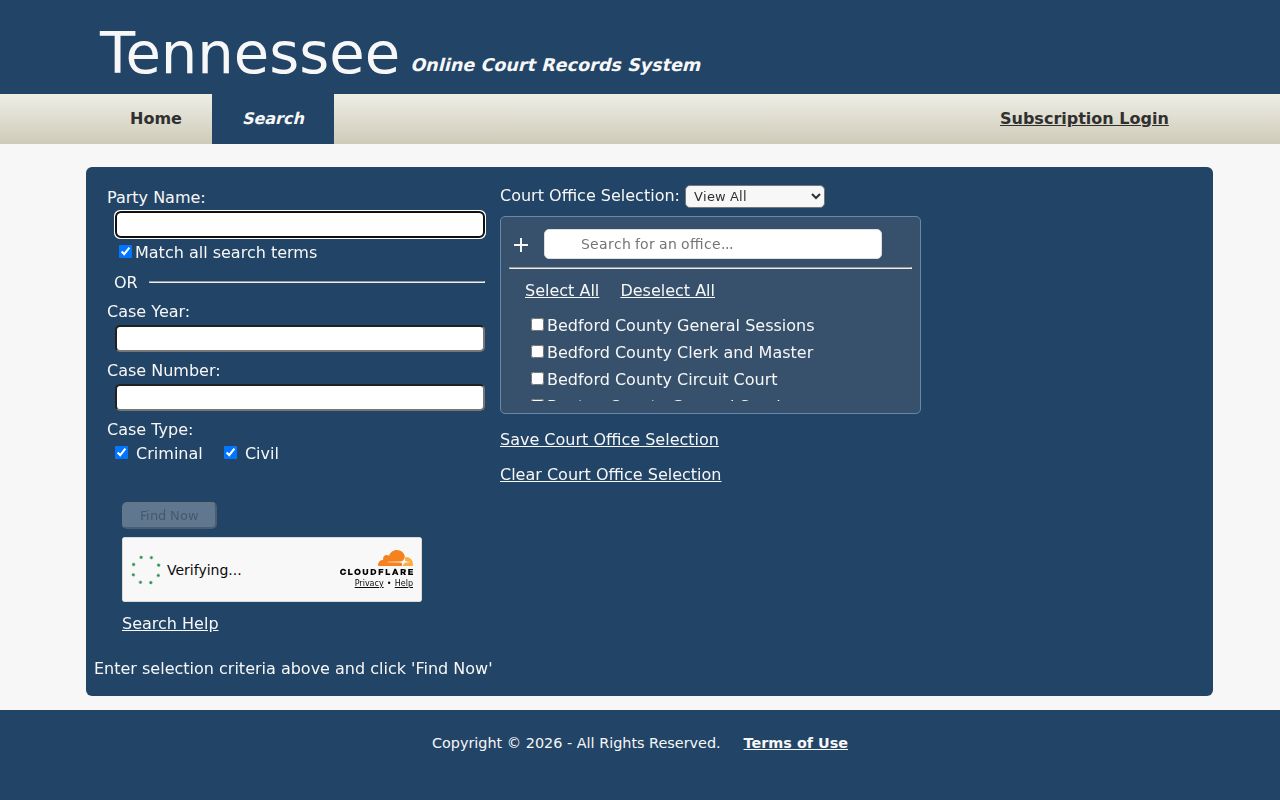
The office list is dynamic, so check the live form for current White County coverage.
Case Search Results Explained
A White County result is a pointer, not the file. It can show the court, case number, type, parties, filed date, or status. That is what the public system exposes. The clerk's file holds more. It holds pleadings, signed orders, financial entries, hearing notes. A published criminal docket can add judge, hearing type, time, attorney, charge, and bond. It also carries a prepared date. Treat that list as a calendar, not a full case file.
| Case number | The court reference used to locate the file |
|---|---|
| Parties or style | The public caption |
| Court and type | Circuit or General Sessions, civil or criminal |
| Filed date | The opening or filing date shown |
| Status | An index value that may need verification |
| Docket event | A setting or entry, not always an outcome |
Need pleadings or a certified disposition? Request the exact item from the Circuit Court Clerk. The White County court case records process explains what the clerk-held file contains.
White County Clerk Verification
One office answers for most White County court records. The Circuit Court Clerk, Beverly Jolley, verifies Circuit, Criminal, and General Sessions dockets from 111 Depot Street, Suite 1, Sparta, TN 38583. Call 931-836-3205. Hours run Monday through Friday, 8:00 a.m. to 5:00 p.m., with service through lunch. Not every counter task is available at every moment. Per the county, the office keeps records and minutes, collects General Sessions and criminal fines, issues warrants and summonses, and coordinates jury duty.
When you contact the clerk, name the court, the full case number, the year, and the record you want. Call ahead when a hearing date is urgent, a docket entry looks stale, or the portal will not load. Walk-in help happens at the clerk counter. The office offers no verified email address or dedicated mail form for record requests, so confirm mailing steps before you send payment or originals. The portal contact page lists both indexed court choices.
The White portal publishes its clerk contact screen.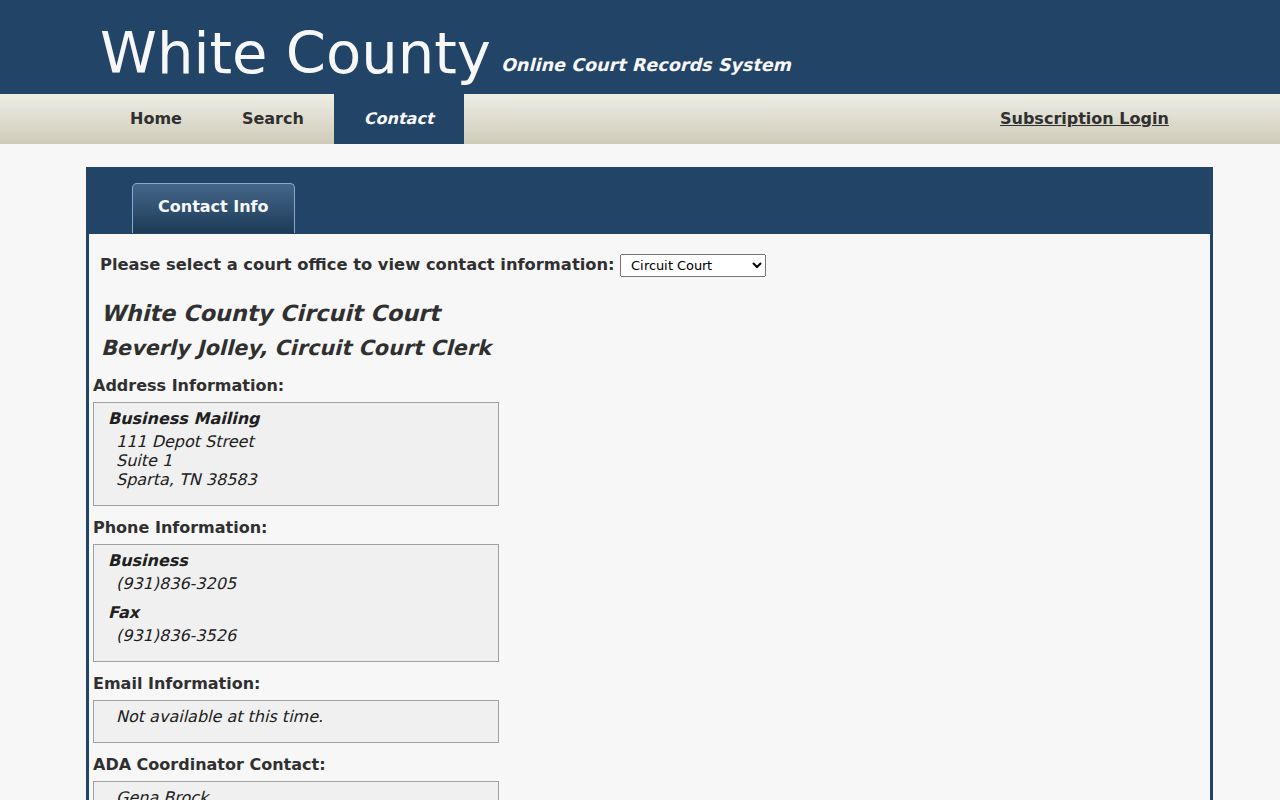
The screen keeps a search problem tied to the correct office.
Two Ways to Search: County and State
Is the case a local Circuit or General Sessions matter? The White subdomain is the better fit. The Tennessee Public Court Records System takes a wider approach, letting one search reach multiple offices with similar controls. Its list of participating offices shifts. Confirm that White County currently appears before you rely on it. Treat neither route as a full archive or a source for every document.
| State TnCIS | White TnCIS |
|---|---|
| Available Tennessee offices | White Circuit and General Sessions |
| Best when county is uncertain | Best for a known local case |
| Coverage needs live confirmation | Some White courts are excluded |
| Informational search | Informational search |
Chancery dockets live elsewhere. Clerk and Master Gena Brock handles them in Room 303, 1 East Bockman Way, Sparta, reachable at 931-836-3787. Juvenile Court sits at 111 Depot Street, 931-836-2069, and confidentiality rules restrict what you can see. City and federal matters run on separate systems.
White County Portal Limits
The portal shows subscription and login tabs. Yet public docket search works without any demonstrated login. The search form lists no fee, either for searching or for images. That proves little, though. Some images may still cost money or be unavailable, so ask before ordering. And remember one limit. A docket row cannot establish service, conviction, judgment finality, or live hearing status.
The clerk-linked Online Court Dockets cover General Sessions Civil, General Sessions Criminal, Circuit Civil, Circuit Criminal, and Child Support. Updates happen as needed, and delays occur. Always check the prepared date. If a list conflicts with a court notice, call the court. The summons, the order, and the current clerk calendar control.
Which Cases Stay Restricted
Rule 34 of the Tennessee Supreme Court presumes access but also recognizes confidential records. Sealed or protected files may be withheld. So may unpublished drafts, a judge's unfiled copy, deliberative material, and certain internal case-management records. Juvenile matters take a separate route. Expunged entries will not look like an ordinary public adult case. They may not appear at all.
A blank docket search does not license you to bypass those limits. Ask the correct clerk about a public portion, a redacted copy, or an authorized procedure. Expungement petitions go to the originating court and use docket identifiers. But a search request is not an expungement filing. Likewise, a generic county message does not prove a pleading or appeal reached court.
Empty White County Searches
Check the court and case type first. Search the full reference, then the year plus the final numeric segment. For names, keep Match All until you must drop a term. Is the matter Chancery, juvenile, Sparta municipal, federal, or historical? Stop repeating TnCIS. Go to the office that holds the record. White County Archives helps with older civil, criminal, divorce, marriage, and probate research. The Tennessee State Library and Archives holds microfilm. It covers Circuit minutes from 1841.
Call the clerk for a new filing, a recent citation, or an urgent court date. Docket entry can lag. Give facts that distinguish the record, and skip extra personal data. A request for one docket sheet, order, judgment, or date routes far more easily. It beats a demand for everything.